
Sometimes, we want to share our own site rules for others or import site rules that others share. So, we need to learn how to export and import site rules through Yealico.
How to export site rule?
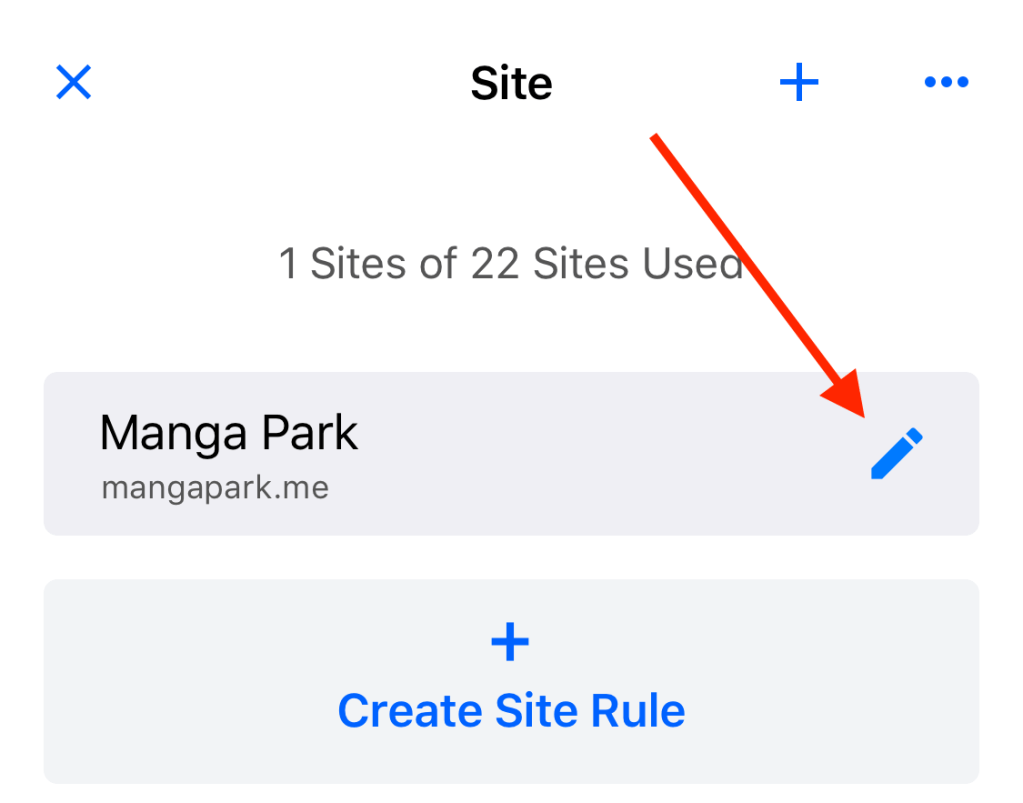
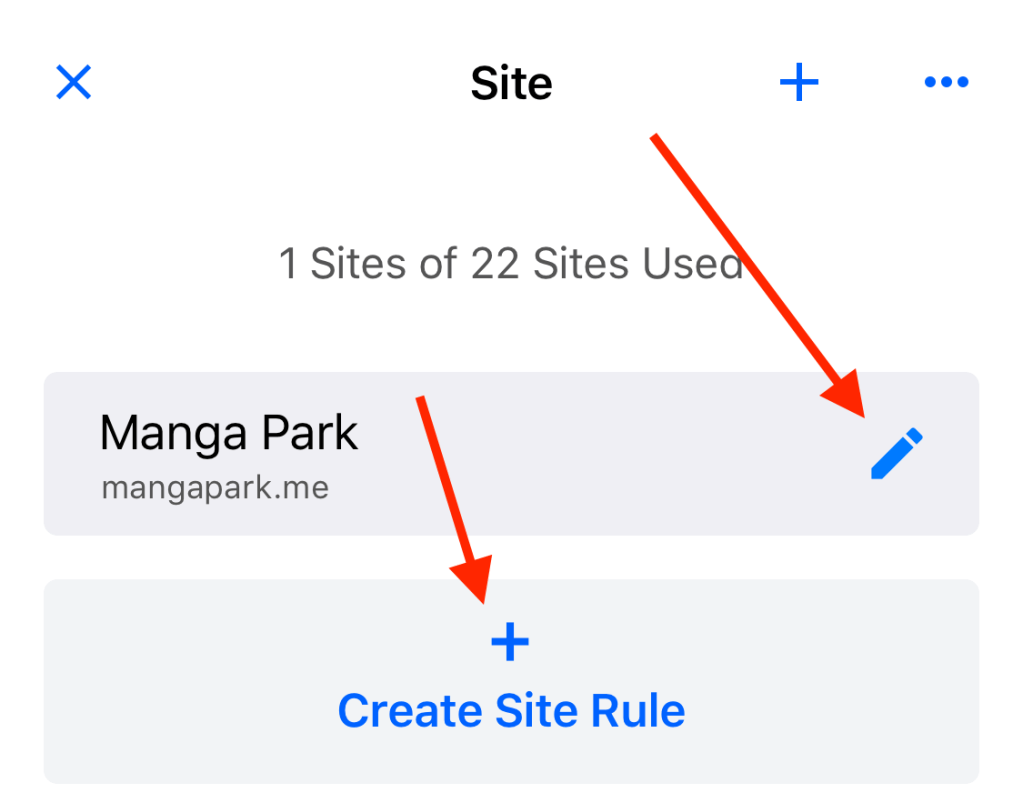
1. Select a site and click the edit button to enter the edit page.
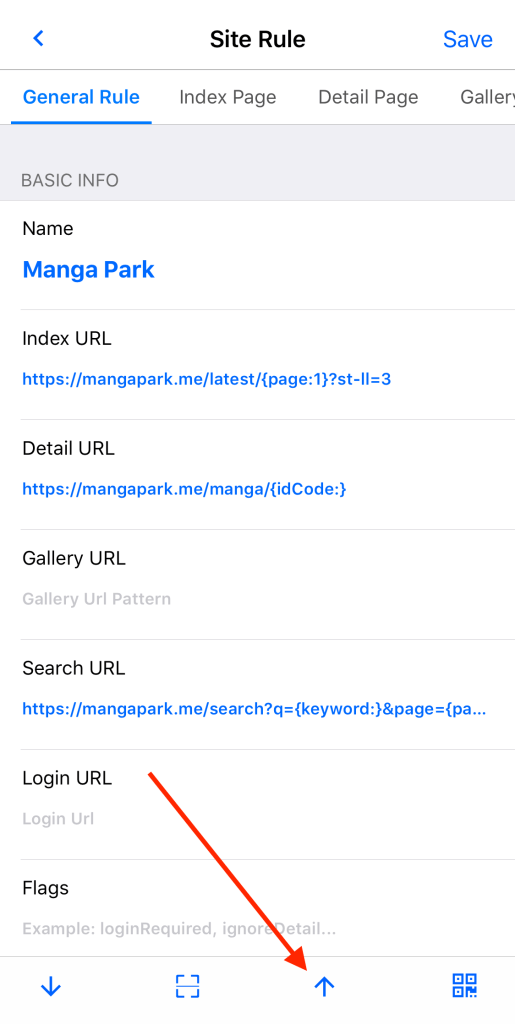
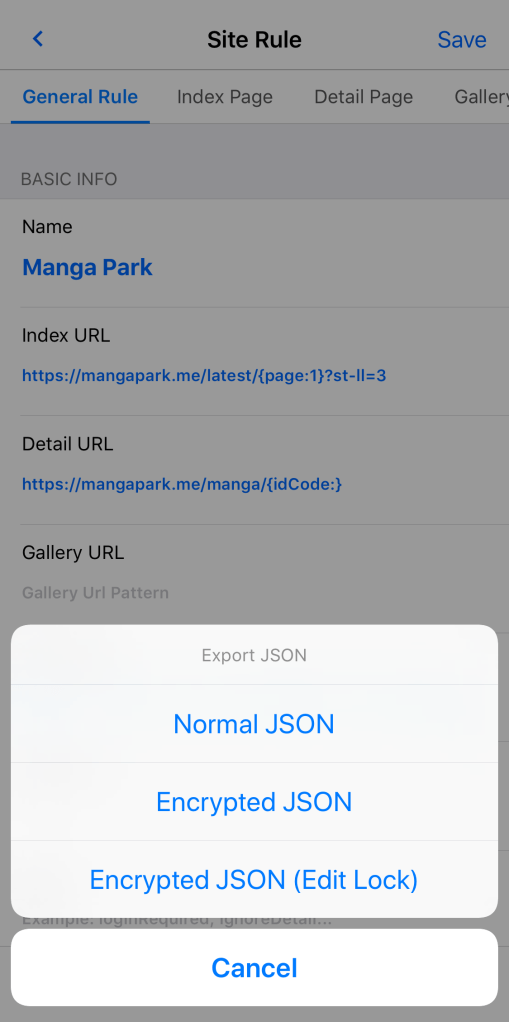
2. Click the “up arrow” button on the bottom toolbar to pop up the three modes of export and click on “Normal JSON”.
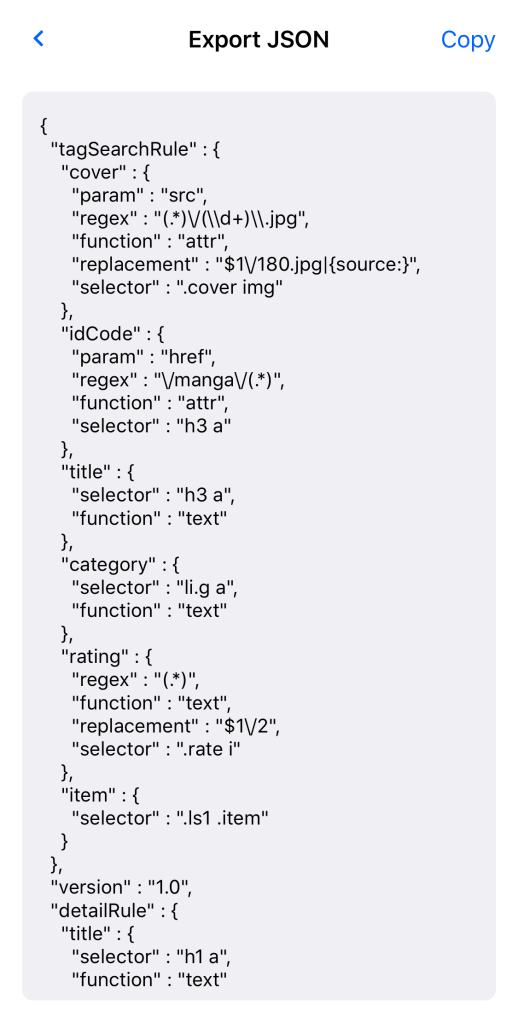
3. Yealico will output the current site rule as JSON text.
How to import site rule?
1. Select a site (overwrite) or click button to create a new site to enter the edit page.
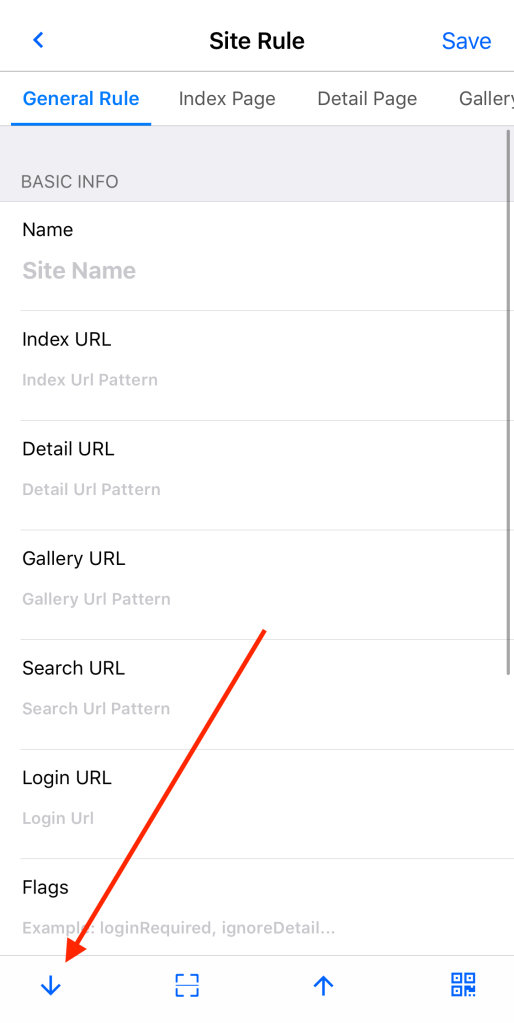
2. Click the “down arrow” button on the bottom toolbar to enter the import page.
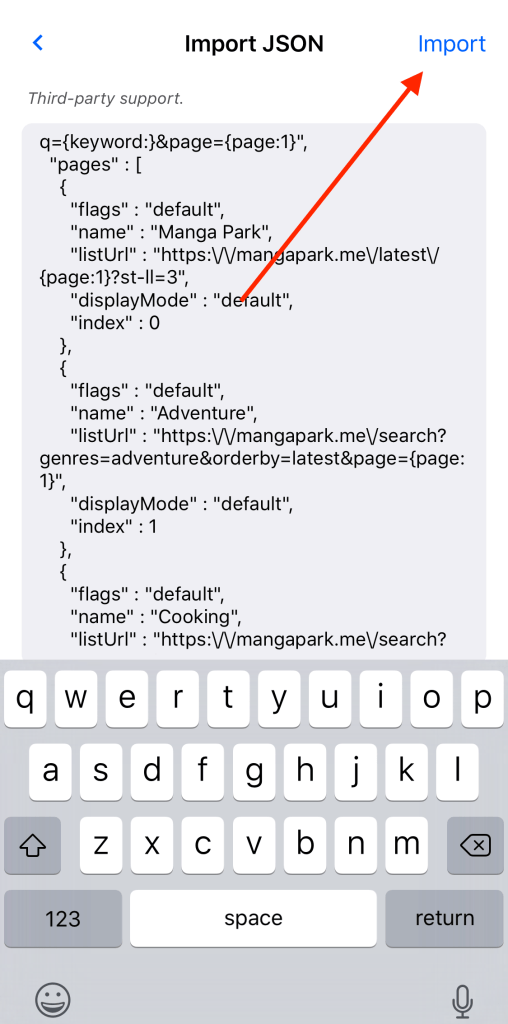
3. Paste the JSON text of the site rule into the edit box and click the “Import” button in the upper right corner, Yealico will import the site rule.
You can find an example of site rule from the article, Sample Site Rule for Manga Park.
 Official Yealico Blog