
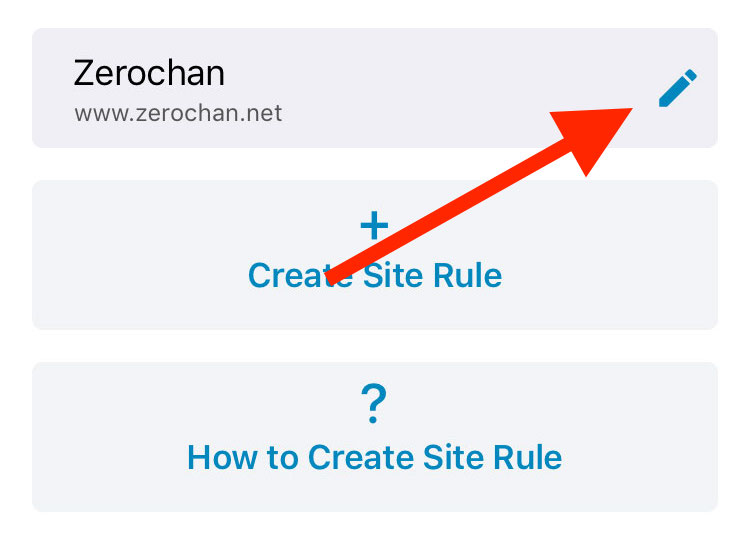
Select the site rule you want to share and click the ‘Edit‘ button to go to the editor interface.
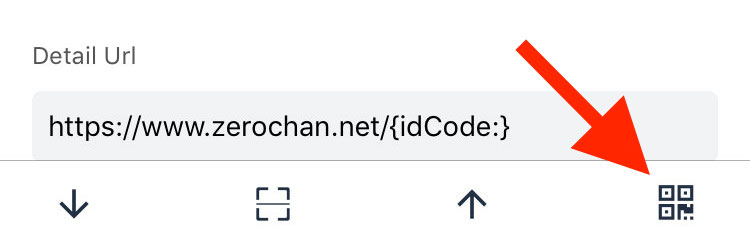
Click the ‘Generate QR Code‘ button at the far right of the toolbar below the editor interface.
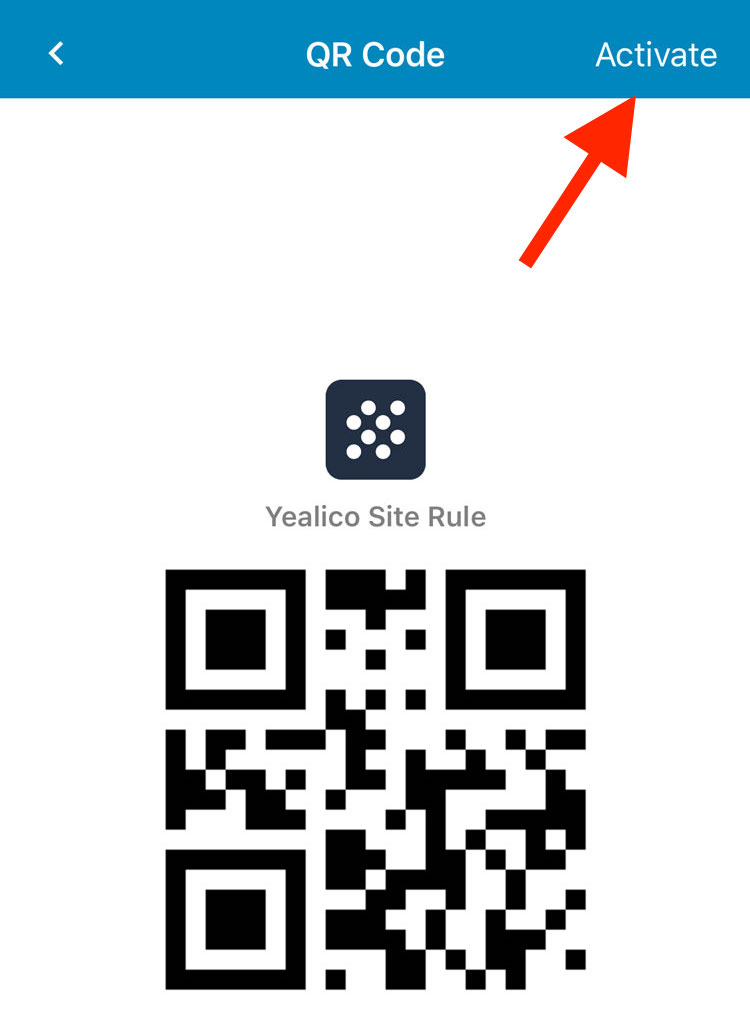
After entering the QR code interface, the QR code does not take effect. You need to click the ‘Activate‘ button in the upper right corner to make it work.
After the QR code is in effect, you can save the generated site rule QR code by clicking the ‘Save‘ button in the upper right corner.
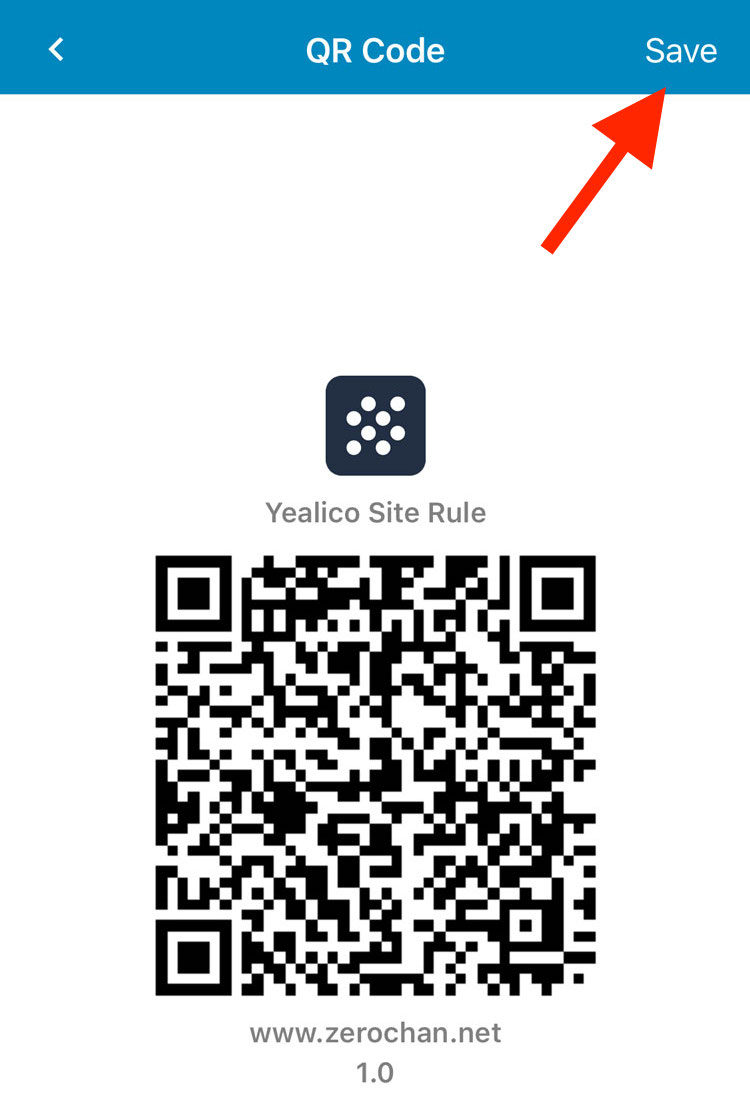
Other users can import the specified site rules by using Yealico to scan the QR code that is already in effect.
For information on how to scan the QR code of the site rules shared by others, please refer to the article “How to scan Site Rule QR Code shared by other users?“.
 Official Yealico Blog