What’s new?
- Enhanced login page: When the home page and the login page do not belong to the same Host, you can obtain the cookie of the specified page by specifying the URL.

What’s new?
What’s new?
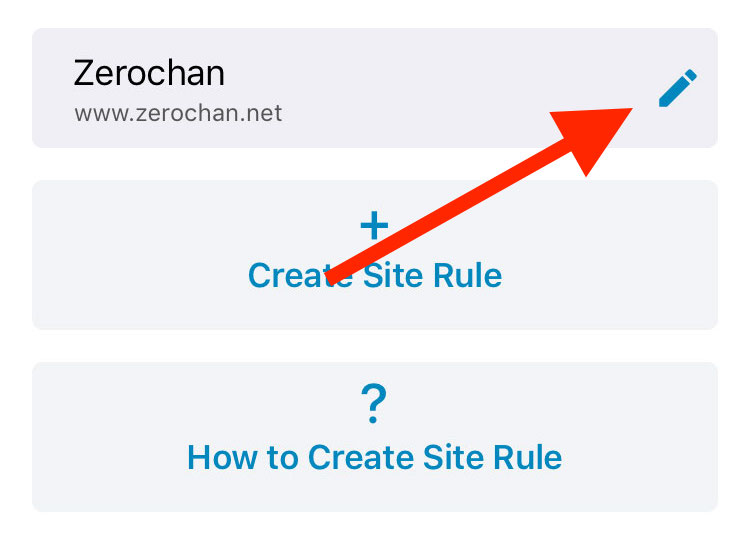
Select the site rule you want to share and click the ‘Edit‘ button to go to the editor interface.
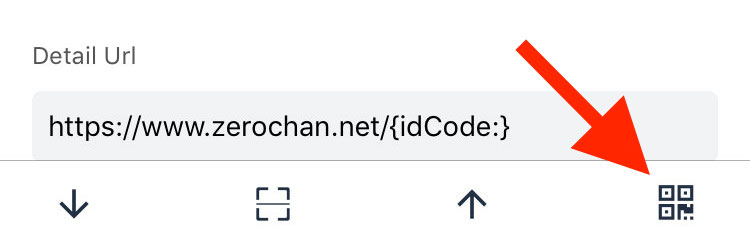
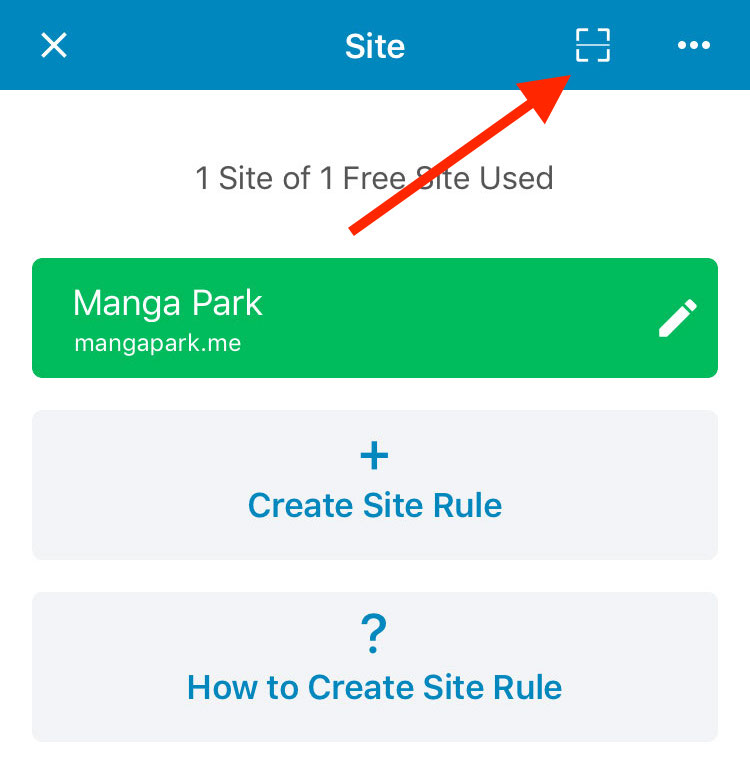
Click the ‘Generate QR Code‘ button at the far right of the toolbar below the editor interface.
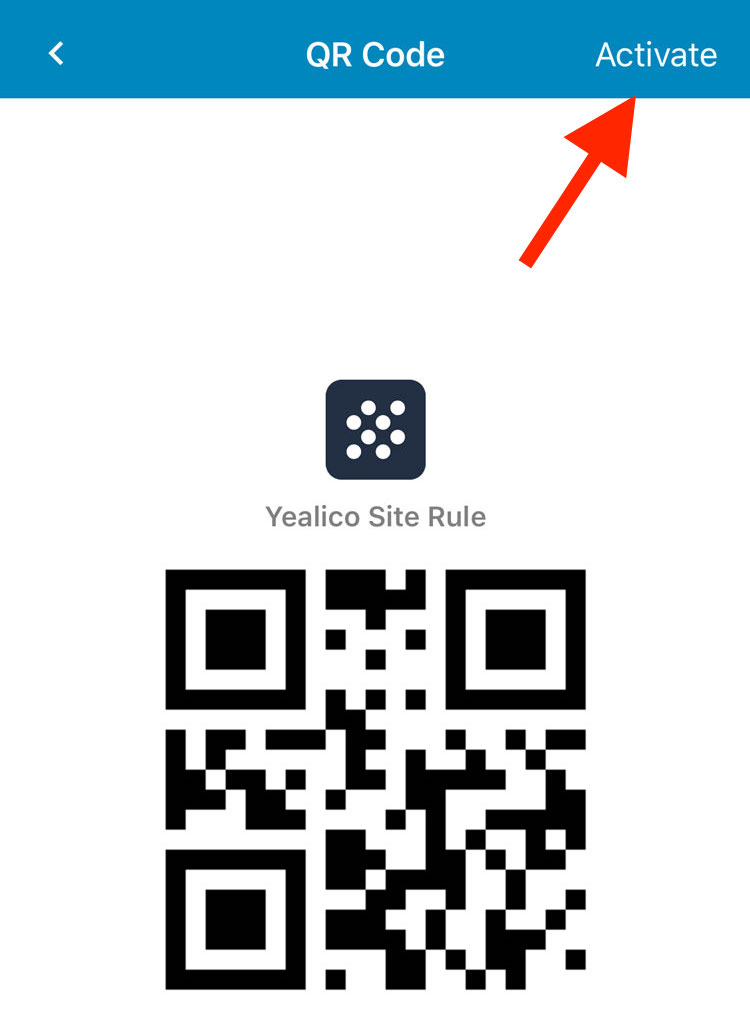
After entering the QR code interface, the QR code does not take effect. You need to click the ‘Activate‘ button in the upper right corner to make it work.
After the QR code is in effect, you can save the generated site rule QR code by clicking the ‘Save‘ button in the upper right corner.
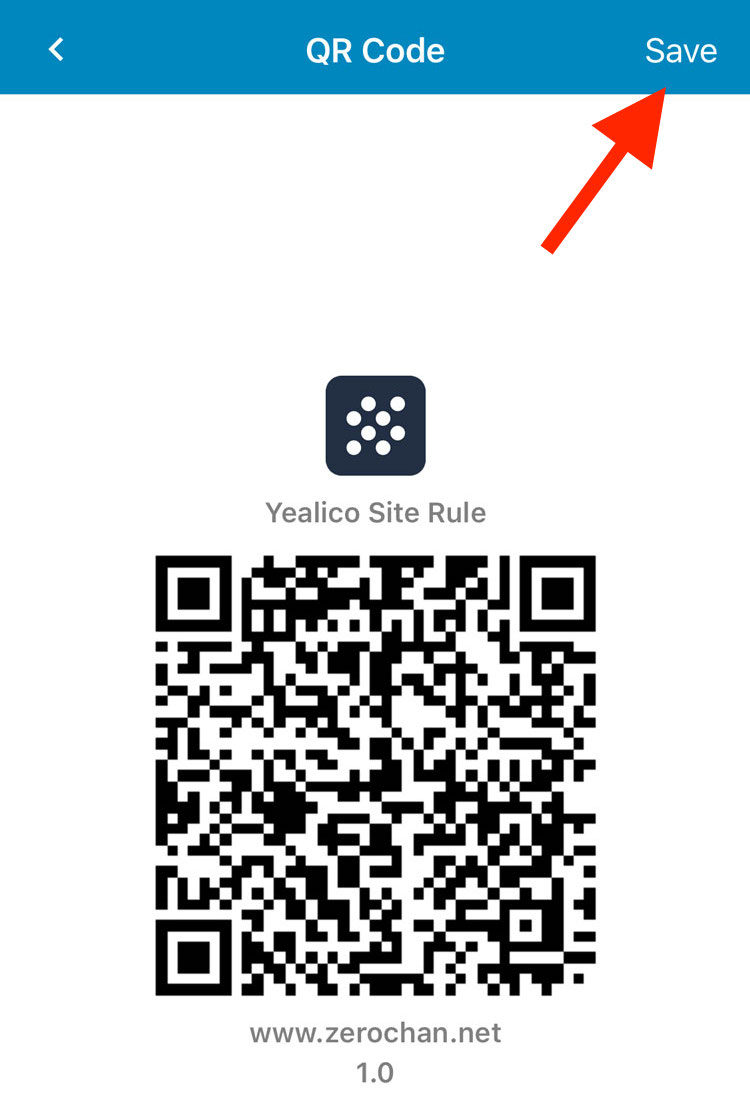
Other users can import the specified site rules by using Yealico to scan the QR code that is already in effect.
For information on how to scan the QR code of the site rules shared by others, please refer to the article “How to scan Site Rule QR Code shared by other users?“.
What’s new?
If you have a QR Code image shared by other users, you can directly scan the QR Code through Yealico’s camera to import the corresponding site rule.
We sincerely hope that everyone can actively share your site rules to the friends around.
We hope that more users can get more convenience and happiness in Yealico!
What’s new?
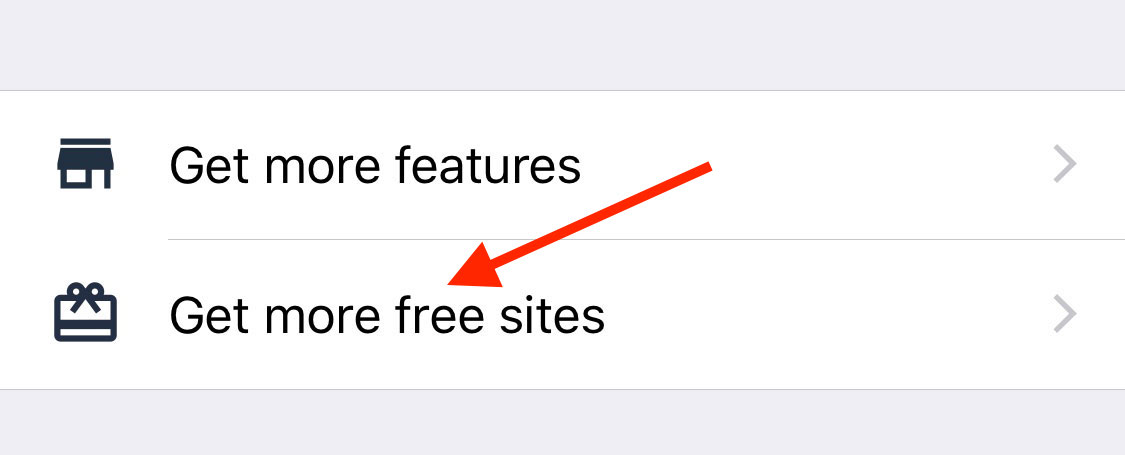
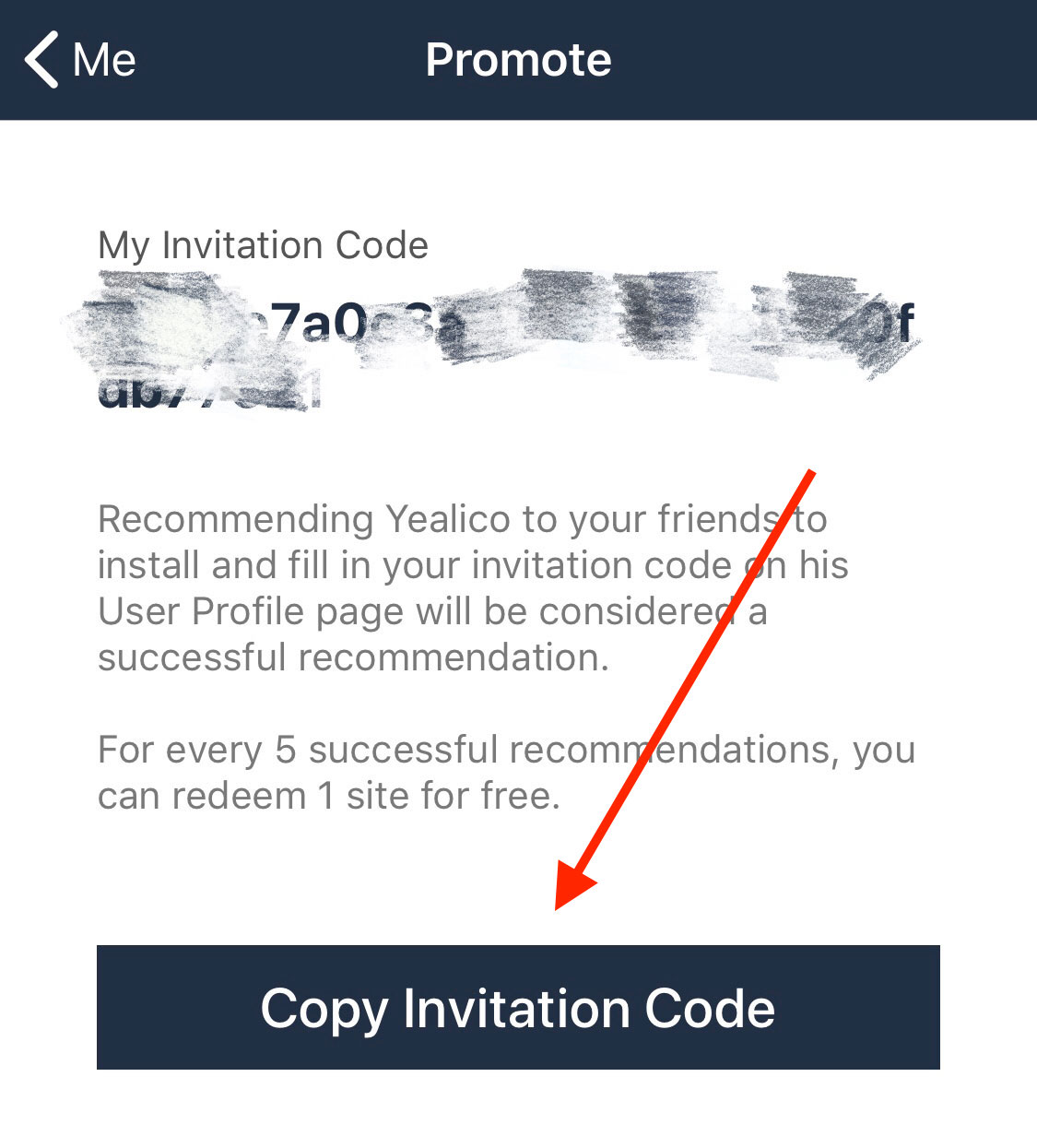
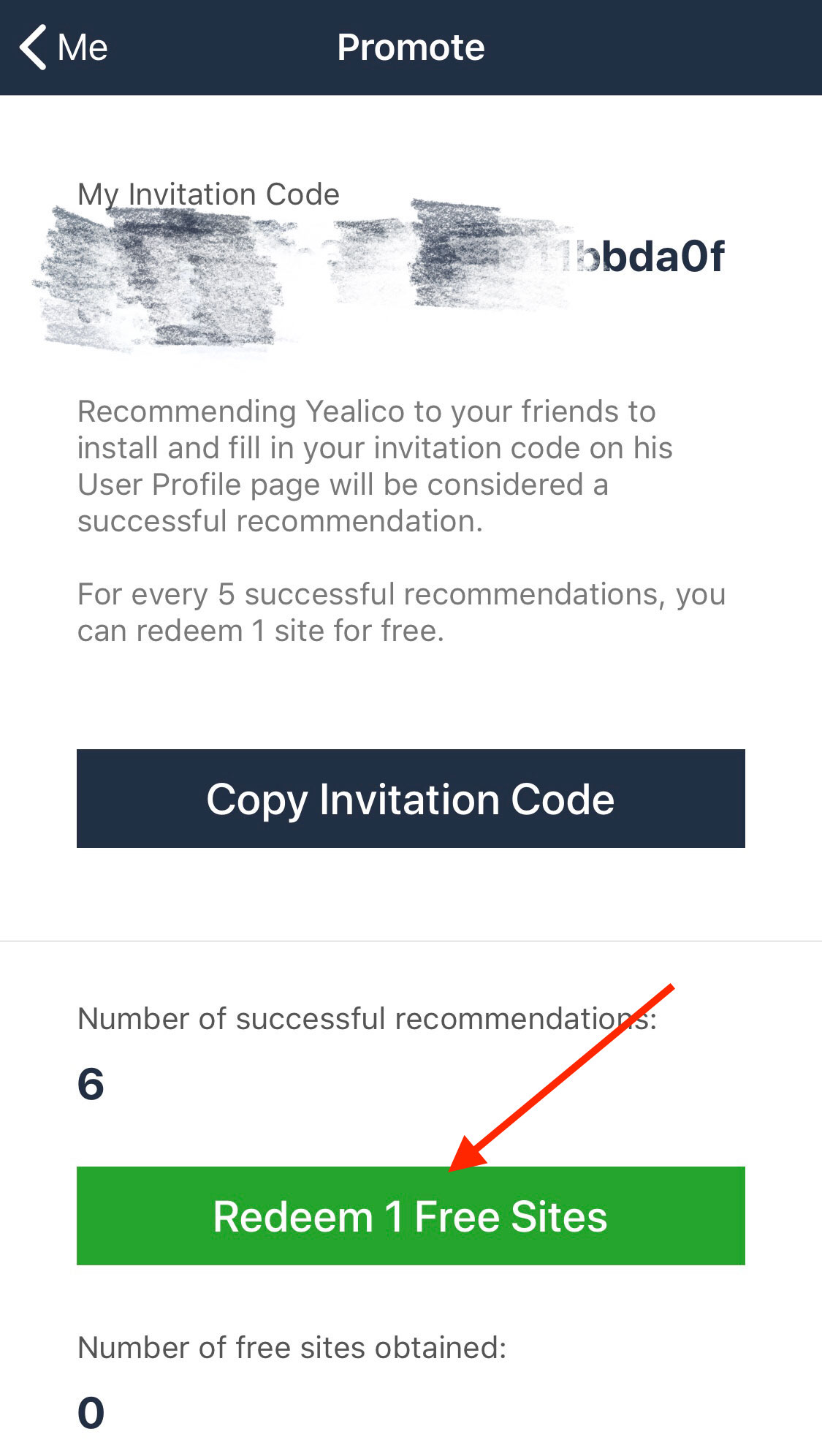
Recommending Yealico to your friends to install and fill in your invitation code on his User Profile page will be considered a successful recommendation. For every 5(variable) successful recommendations, you can redeem 1 site for free.
First, you need to copy your invitation code and share the invitation code to your friend.
Second, let your friend download Yealico from App Store and install it. And then paste your invitation code on your friend’s User Profile page.
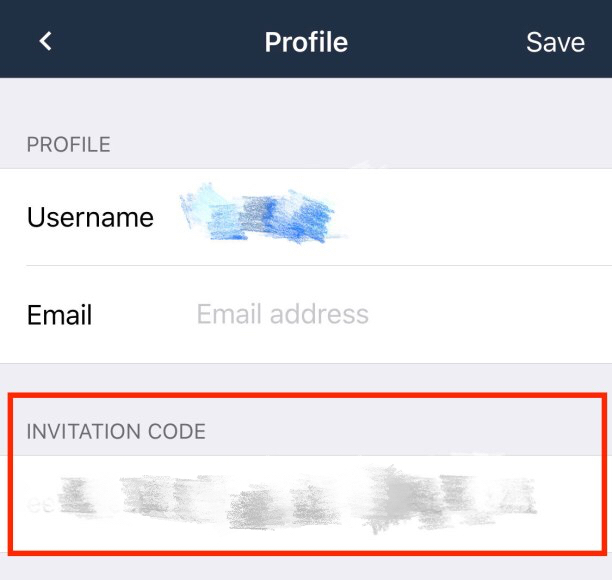
And you can get 1 successful recommendation.
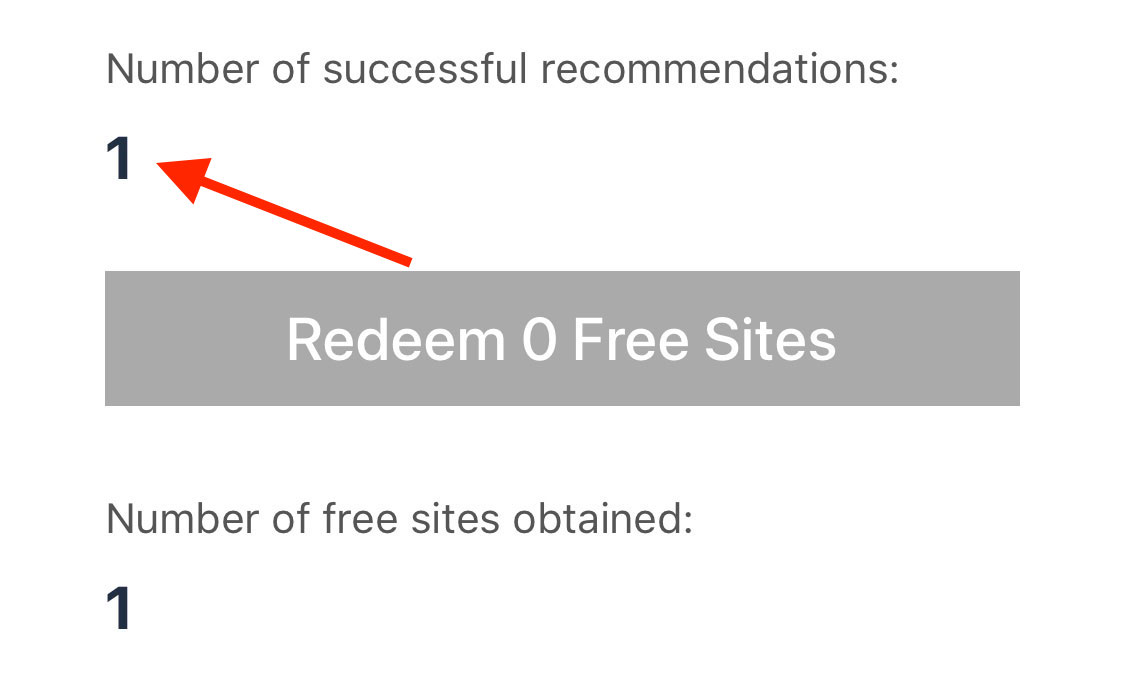
When you get enough recommendations, you can click the “Redeem” button to redeem the corresponding number of free sites.
Because we found that version 1.4 has a critical bug, it is recommended that everyone upgrade to version 2.0.
What’s new?
New version features:
Below is a site rule we wrote for the site Manga Park, for your reference only.
Continue reading Official Yealico Blog